Branding
Purpose
The Branding module lets your cooperative customise the look and feel of QoopOne — including your cooperative's logo, primary colour scheme, and the name displayed throughout the system. Branding is also applied to printed documents like loan letters, savings statements, and investment certificates.
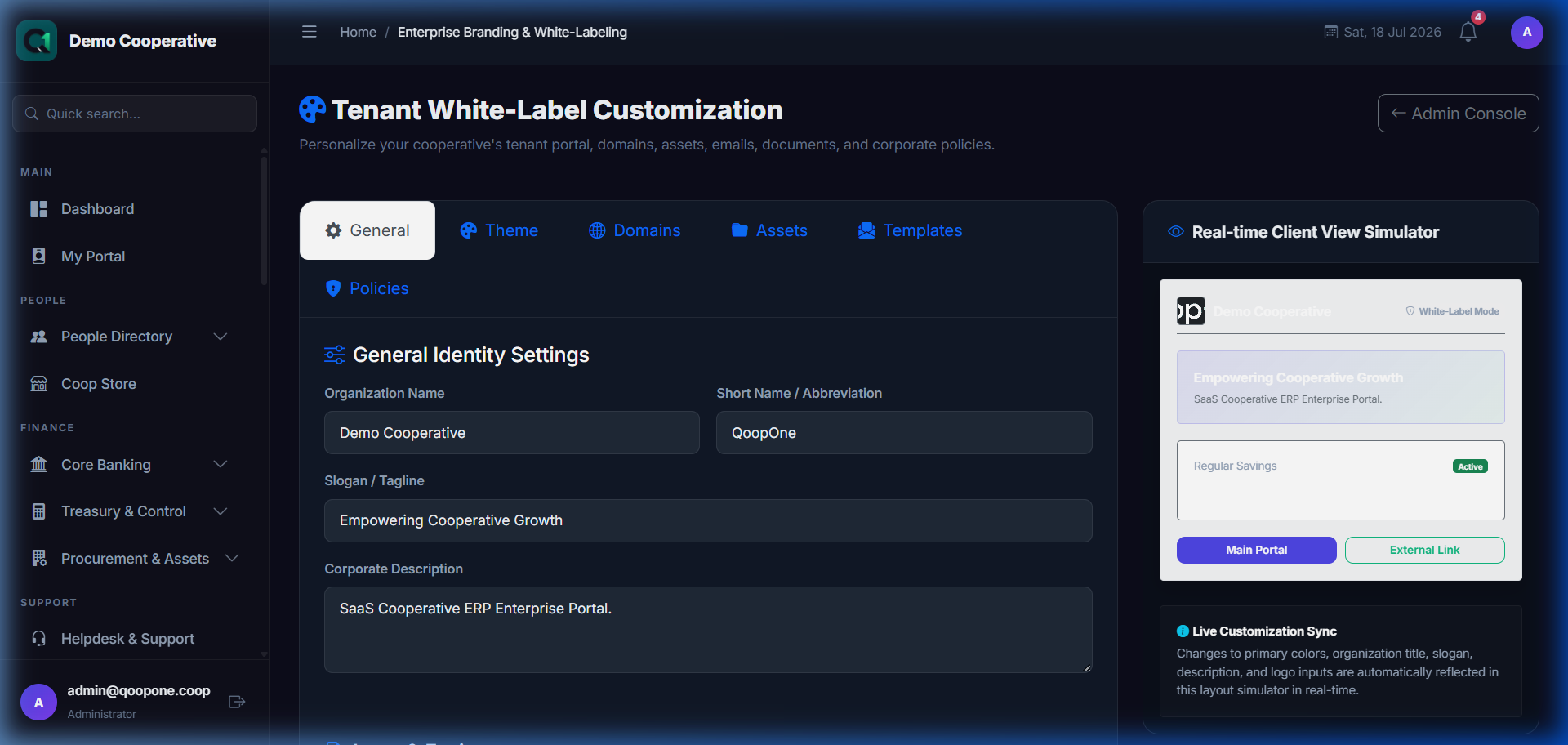
👉 HOW TO UPDATE BRANDING AND LOGO (Vivid Guide)
- Go to System Settings -> Administration -> click the "Branding" tab at the top.
- Upload Logo: Click the logo upload file selector and upload your cooperative's logo.
- Set Theme Colors: Select the brand Primary and Secondary colors using the color picker.
- Click the green button to save branding settings.
Who Can Access
- Administrator only
How to Open This Page
Administration → Branding
What You Can Configure
| Setting | Description |
|---|---|
| Organisation Name | Your cooperative's name as it appears on all documents |
| Logo | Upload your cooperative's logo (PNG or JPG, recommended 300×100px) |
| Primary Colour | Main colour used for headings, buttons, and certificates |
| Accent Colour | Secondary colour for highlights |
| Tagline / Slogan | Optional tagline displayed on certificates |
| Signatory 1 | Name and title shown on signed documents |
| Signatory 2 | Second signatory (optional) |
Uploading a Logo
- Go to Administration → Branding.
- Click Choose File next to the Logo field.
- Select your logo image (PNG or JPG, max 2MB).
- Click Save Branding.
Your logo will appear: - On the top of the member portal - On printed certificates - On savings statements - On loan letters
Setting Your Brand Colour
- Click the colour picker next to Primary Colour.
- Choose your cooperative's brand colour or enter the hex code (e.g.,
#1a73e8for blue). - Click Save.
The new colour is applied immediately across the system.