Loan Products
Purpose
Loan Products are the templates that define the rules for each type of loan offered by the cooperative. When a staff member submits a loan application, they select a product, and the product's settings automatically fill in the interest rate, minimum and maximum amounts, and repayment term limits. This page explains how to view and configure loan products.
Who Can Access
| Role | Access Level |
|---|---|
| Administrator | Can create, edit, and deactivate loan products |
| Committee Member | Can view products |
| Loan Officer | Can view products |
| Auditor | View-only |
How to Open This Page
Sidebar → Loans → Products
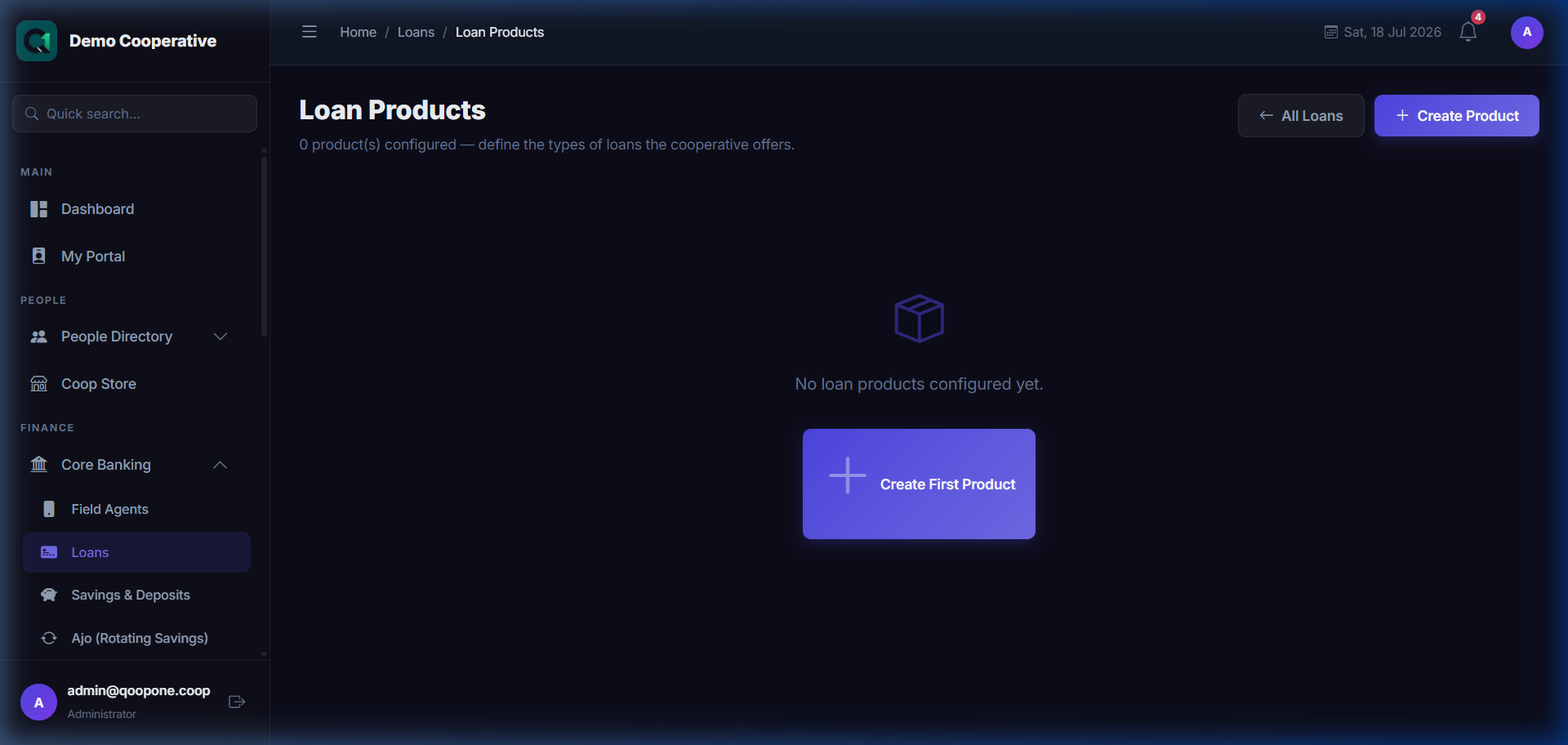
Loan Products List
| Column | Description |
|---|---|
| Name | The product name (e.g. Emergency Loan, Business Loan) |
| Member Rate | Annual interest rate for cooperative members |
| Customer Rate | Annual interest rate for non-member customers |
| Min Amount | Minimum loan amount under this product |
| Max Amount | Maximum loan amount under this product |
| Min Term | Shortest allowed repayment period (months) |
| Max Term | Longest allowed repayment period (months) |
| Interest Method | How interest is calculated — Flat Rate or Reducing Balance |
| Status | Active or Inactive |
| Actions | 👁 View · ✏️ Edit |
Creating a New Loan Product
Sidebar → Loans → Products → Create Product
👉 HOW TO CREATE A LOAN PRODUCT (Vivid Guide)
- Go to Loans -> Products in the sidebar.
- Click the blue button at the top right: "Create Product".
- Enter the Name (e.g. Short Term emergency loan).
- Fill in the Interest rates for Members and Customers.
- Set the borrowing limits: Fill in the minimum and maximum amounts and months.
- Click the green button at the bottom: "Save Product".
Field Guide
| Field | Required | Description | Example |
|---|---|---|---|
| Product Name | Yes | A clear, descriptive name for this loan type | Emergency Loan |
| Description | No | Brief description of this product | Short-term emergency loan for members |
| Member Interest Rate (%) | Yes | Annual interest rate for cooperative members | 12% |
| Customer Interest Rate (%) | Yes | Annual interest rate for non-member customers (usually higher) | 18% |
| Interest Rate Type | Yes | Whether the rate is Monthly or Annual | Annual |
| Interest Method | Yes | Flat Rate = interest on original amount. Reducing Balance = interest on outstanding balance (cheaper for borrower). | Reducing Balance |
| Minimum Loan Amount | Yes | The least amount that can be borrowed | ₦10,000 |
| Maximum Loan Amount | Yes | The most that can be borrowed | ₦500,000 |
| Minimum Term (Months) | Yes | Shortest repayment period | 3 |
| Maximum Term (Months) | Yes | Longest repayment period | 24 |
| Processing Fee (%) | No | One-time fee charged on loan disbursement | 1% |
| Insurance Fee (%) | No | Optional insurance deducted at disbursement | 0.5% |
| Penalty Rate (%) | No | Rate charged on overdue loan balance | 2% |
| Requires Guarantor | No | Whether a guarantor is mandatory | Yes |
| Active | Yes | Whether this product is available for new applications | Yes |
Buttons
| Button | What It Does |
|---|---|
| Save Product | Creates the loan product |
| Cancel | Discards changes |
Step-by-Step: Create a Loan Product
- Go to Loans → Products.
- Click Create Product.
- Enter the Product Name and Description.
- Enter the Member Interest Rate and Customer Interest Rate.
- Select the Interest Rate Type (Monthly or Annual) and Interest Method (Flat or Reducing).
- Set the Minimum and Maximum Loan Amount.
- Set the Minimum and Maximum Term (in months).
- Enter any fees (processing, insurance, penalty) if applicable.
- Set Active to Yes.
- Click Save Product.
Tips
Flat Rate vs. Reducing Balance
Flat Rate is simpler to explain to members but is more expensive because interest is always on the full original amount.
Reducing Balance is fairer — as the borrower pays down the principal, the interest reduces each month.
Set Realistic Limits
Base your minimum and maximum amounts on what your cooperative can realistically lend and recover. Setting limits too high can expose the cooperative to excessive risk.
Frequently Asked Questions
Q: Can I change the interest rate on an existing loan product?
A: Yes, but the change only affects new loans. Existing active loans keep their original rate.
Q: What happens if I deactivate a product?
A: Existing loans under that product are not affected. Staff simply cannot use that product for new applications.